
Daily use
The sensor system is now operational and monitoring the stove heat.
Warning situation
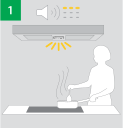
|
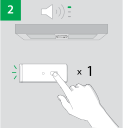
|
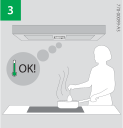
|
In warning situations, the Sensor Unit will give a short beep, and the LED will flash red every 5 seconds.
Press the Sensor Unit button to reset the warning.
Other user actions, like putting a lid on, stirring the food, or reducing the power will also reset the warning, but with a slight delay. For a ceiling‑mounted sensor, this is the recommended way to reset the warning.
Alarm situation
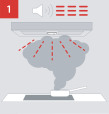
|
|
|
|
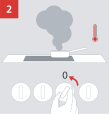
When a hazardous situation occurs, the power to the stove is cut off. The Sensor Unit gives an alarm with a sound and light.
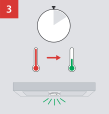
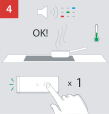
To restore power to the stove, wait for the Sensor Unit to confirm the safe temperature with a green light (it may take a minute or more), then press the Sensor Unit button.